
Why This Slide Is Useful
This slide is useful because it provides a clear, visual comparison of 2 key metrics or statuses, making complex data easily digestible for executive decision-makers. The thermometer format intuitively communicates progress or levels, which can be critical during performance reviews, project updates, or strategic assessments. It helps leaders quickly identify areas of concern or success without sifting through detailed reports.
For management consultants and strategists, this slide offers a straightforward way to present before-and-after scenarios, benchmark comparisons, or progress toward specific targets. The visual simplicity supports effective storytelling in client presentations, enabling stakeholders to grasp the core message instantly. The use of color and percentage figures enhances clarity and focus, especially in executive briefings.
This slide also supports tracking and monitoring initiatives over time. By updating the thermometer levels, teams can visually demonstrate improvements or regressions in key areas. It can be used in dashboards or status reports to maintain stakeholder engagement and ensure alignment on priorities.
Furthermore, the layout encourages a focus on relative performance rather than absolute numbers. This approach simplifies complex data sets into a format that is accessible and actionable for high-level decision-makers. It can be adapted across various functions, from sales and marketing to operational efficiency, making it a versatile tool in strategic communication.
How This Slide Is Used
This slide is typically used in performance reviews, progress updates, or strategic presentations. It is especially effective when comparing 2 related metrics, such as current versus target performance or 2 different regions or products. The visual format allows executives to quickly assess which area requires attention or celebration.
In consulting engagements, this slide often appears in client workshops or executive summaries to illustrate the status of key initiatives. For example, a client might use it to show progress toward digital transformation goals or operational KPIs. The simplicity of the thermometer visuals helps keep the discussion focused on strategic implications rather than data details.
In project management contexts, teams leverage this slide to communicate status at project milestones. Updating the thermometer levels provides a visual cue for progress, enabling rapid decision-making and resource allocation. It also serves as a motivational tool, highlighting achievements and areas needing effort.
This slide can also be integrated into dashboards or real-time reporting tools, where the levels are dynamically updated. Such use cases support ongoing performance management and accountability, ensuring stakeholders remain aligned on objectives and outcomes.
Related PPT Slides
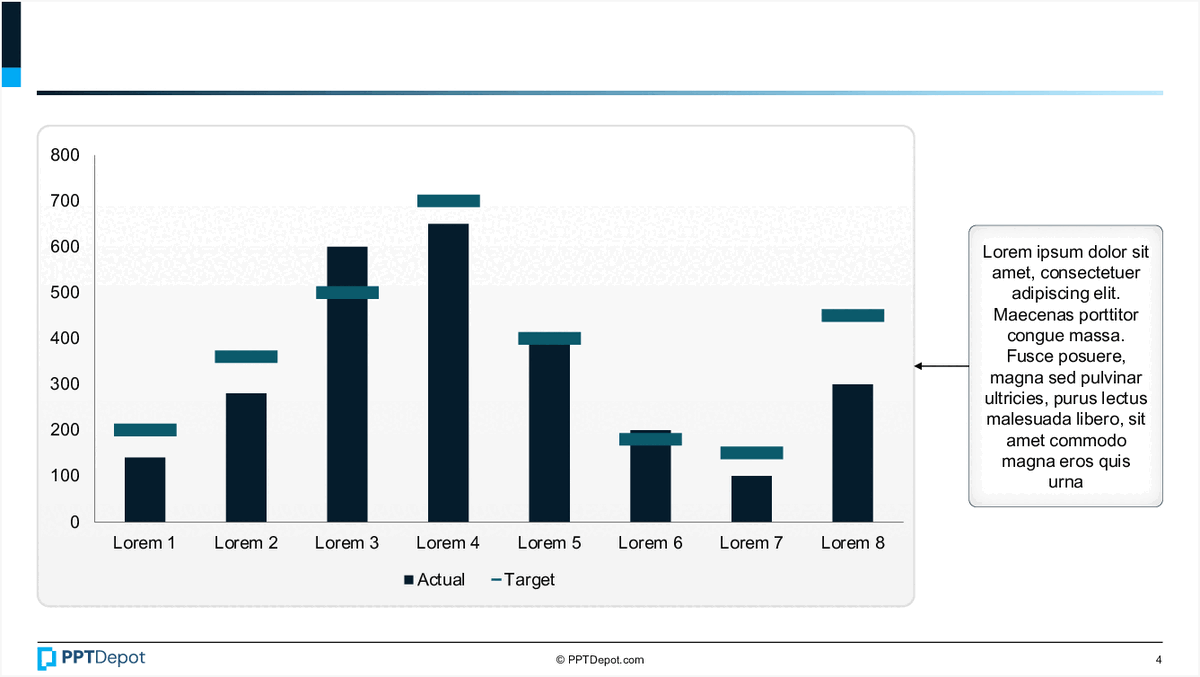
Bar Chart with Annotations PPT Slide
This slide displays a comparative bar chart illustrating actual versus target values across eight categories labeled Lorem 1 through Lorem 8. It includes a side annotation box with placeholder text, providing additional context or insights related to the data presented. The visual emphasizes differences between actual and target metrics in a clear, concise format suitable for executive review.
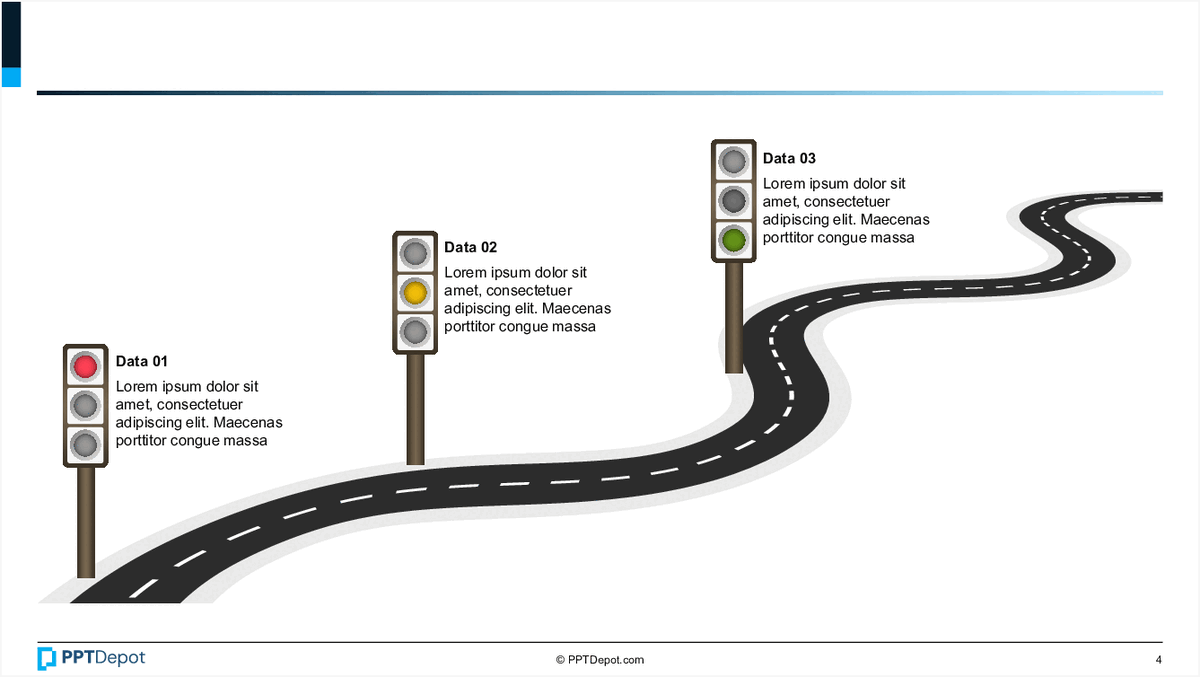
Roadmap with Data Milestones PPT Slide
This slide illustrates a visual timeline or journey, represented by a winding road with milestone markers indicating key data points. Each marker is associated with a data label, icon, and brief description, providing a clear sequence of events or progress stages for strategic or project planning purposes.

Data Visualization of Progress Metrics PPT Slide
This slide displays a circular, multi-layered chart illustrating percentage-based progress or achievement levels across different categories. Accompanying the chart are descriptive icons and text blocks that provide context, making it suitable for executive review of performance metrics or project status updates.

Project Status Dashboard Overview PPT Slide
This slide displays a project tracking dashboard, summarizing key metrics across 3 distinct projects. It includes progress indicators, visual gauges for performance, and summary statistics, providing a quick snapshot of project health and workload distribution for executive review.

Data Visualization of Percentages PPT Slide
This slide displays 5 circular charts, each illustrating a different percentage value with varying color schemes. Accompanying each chart is placeholder text, suggesting a focus on data representation and interpretation for diverse metrics or categories. The layout emphasizes visual clarity and quick comprehension of proportional data.

Circular Data Distribution Chart PPT Slide
This slide displays a circular diagram illustrating various data points with associated percentages. It features a central circle highlighting a primary metric, surrounded by multiple segments that represent different categories or components, each labeled with descriptive text and percentage values. The layout emphasizes the interconnectedness of these elements within a cohesive visual structure.
Explore Slides by Tags
Download our FREE collection of over 50+ high-impact, fully editable PowerPoint templates. These professional templates cover a comprehensive range of strategic analysis frameworks—including Strategy Formulation, Innovation, Digital Transformation, Change Management, and many others—ideal for Management Consultants, Investment Bankers, Strategy Professionals, and Business Executives.
Trusted by Leading Global Organizations
Our templates are trusted by thousands of organizations worldwide, including leading brands such as those listed below.






























Related Templates from PPT Depot








Leverage our domain and design expertise. Become a subscriber today:
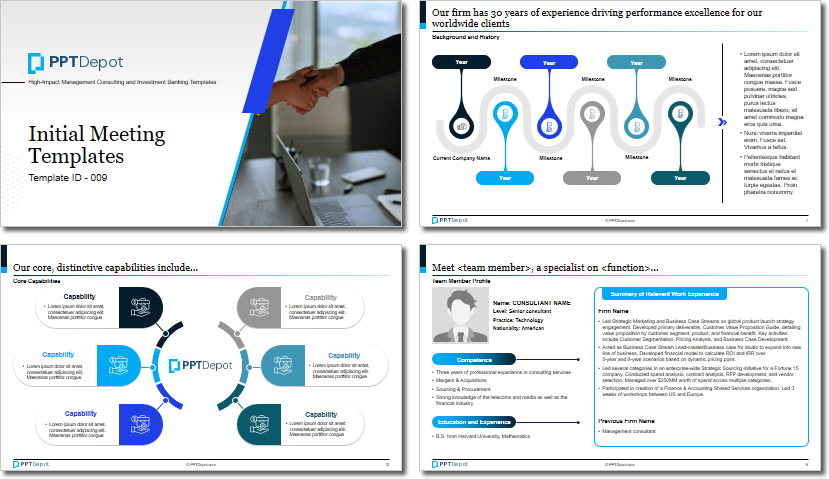
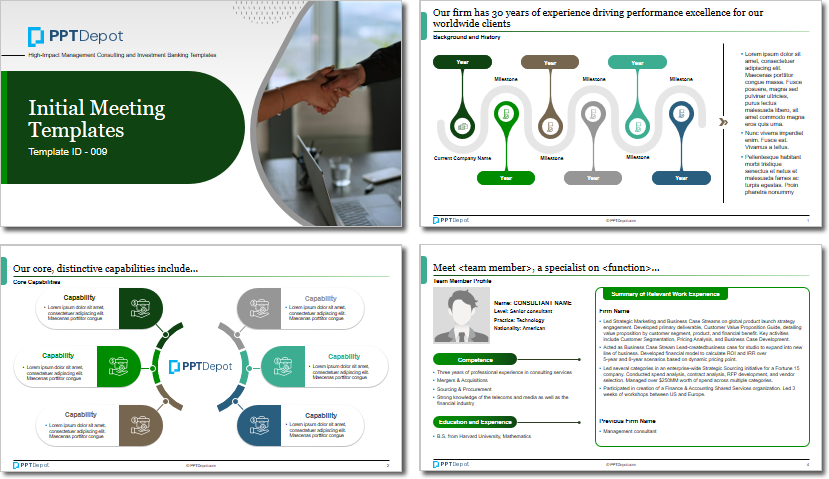
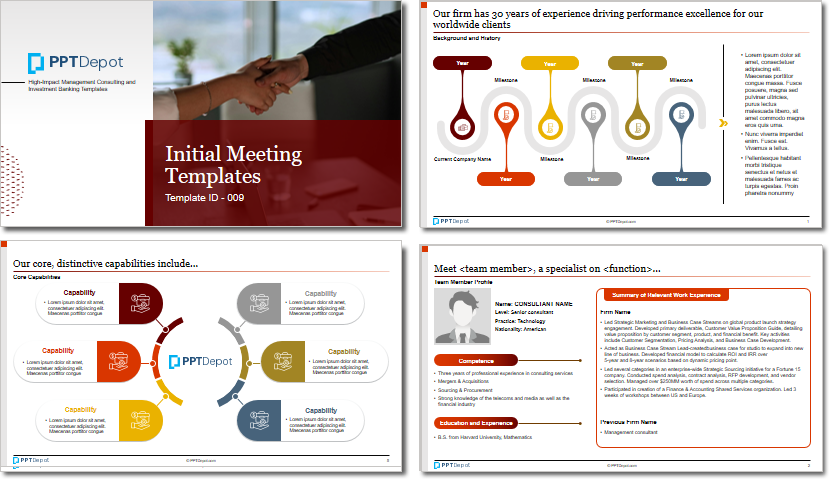
Each presentation is available in 3 color schemes. Download the version that most fits your firm's branding and customize it further once you download the PPTX file.


PPT Depot is your subscription to high-impact management consulting and investment banking templates—crafted from real-world deliverables by ex-MBB consultants and designed by former McKinsey Visual Graphics (VGI) presentation specialists. Compare plans here to determine what's the best fit for your firm.
With 15 years of experience, the team behind PPT Depot has empowered over 500+ clients across over 30+ countries. We currently produce 200,000 slides annually.
PPT Depot releases new templates each week. We have management topic-focused templates (e.g. market analysis, strategic planning, digital transformation, and more), alongside industry-specific collections. Peruse our full inventory here.
Save time and effort—elevate your presentations with proven domain and design expertise.
Got a question? Email us at [email protected].
Related Consulting Presentations
These presentations below are available for individual purchase from Flevy , the marketplace for business best practices.

Slide Customization & Production
We provide tailored slide customization and production services:
- Conversion of scanned notes into PowerPoint slides
- Development of PowerPoint master template
- Creation of data-driven PowerPoint charts from hand-drawn graphs
- Conversion of Excel charts to PowerPoint charts
- Conversion of other file formats (e.g. PDF, TIF, Word Doc) to PowerPoint slides
- Conversion of PowerPoint slides from one master template to another
- Visual enhancement of existing PowerPoint presentations to increase the professional look of the presentation


